Game Introduction
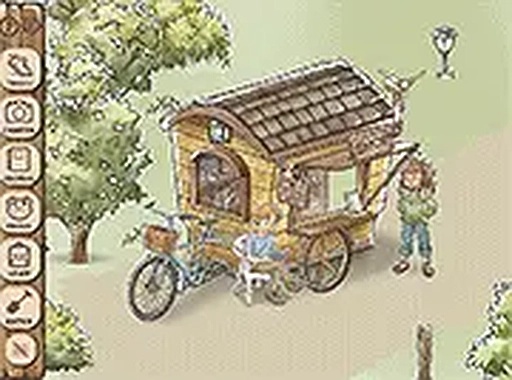
Kamaeru Mini Demo: Frog Sanctuary is a relaxing frog collecting simulation game. In this demo, players foster a sanctuary for frogs and work to restore the biodiversity of the wetlands. The core objective is to explore vibrant environments, discover different frog species, and photograph them to build a collection. The game offers a calm, family-friendly experience that runs directly in a browser without any downloads. With roughly 30 to 40 minutes of gameplay, this demo provides a soothing introduction to caring for frogs and bringing life back to the wetlands. What makes this game unique is its focus on peaceful exploration and habitat restoration, rather than combat or competition. Players can enjoy a gentle pace, taking time to observe frogs in their natural settings. The game is designed to be accessible to all ages, with simple controls and a relaxing atmosphere. It is a preview of a larger full version that offers about eight hours of content, but the demo stands alone as a complete, enjoyable experience.
How to Play
To play Kamaeru Mini Demo: Frog Sanctuary, start by exploring the wetlands to find various frog species. Use the camera to take photos of the frogs you discover, which helps you collect them and learn about their characteristics. Participate in mini-games to earn resources and rewards that allow you to decorate and improve the frog habitat. Make the environment cozy for your frogs by placing different items. The controls are simple and intuitive, making the game easy to play on both mobile devices and desktops. You can also switch to full screen mode for a more immersive experience. The gameplay loop involves exploring, photographing, and decorating, all at a relaxed pace.
Game Features
Game features include cozy frog collecting, wetland restoration through gameplay, and photography to document frog species. Mini-games provide resources and rewards for habitat improvements. Habitat decoration with various items allows players to customize the environment. The content is family-friendly and suitable for all ages. Simple controls work well on both mobile and desktop devices. Full screen mode is available for a more immersive play experience. The demo offers a preview of the full game with about 30 to 40 minutes of content.
Tips for Success
To make the most of your experience, explore thoroughly to discover all frog species and hidden areas. Participate in mini-games regularly to gather resources for habitat improvements. Decorate your sanctuary thoughtfully to attract a variety of frogs. Take your time and enjoy the peaceful atmosphere without rushing. Experiment with different decorations to see which frogs prefer certain environments.
Compatibility
This H5 game runs smoothly on:
• Desktop computers (Windows / Mac) • Mobile phones (iPhone / Android)
• Tablets (iPad / Android)
🌐 Best experienced with Chrome, Safari, or Edge










Player Comments
Sign in to comment
You must be logged in before posting a review or rating.
No account? Create one
No comments yet. Be the first to comment!