Game Introduction
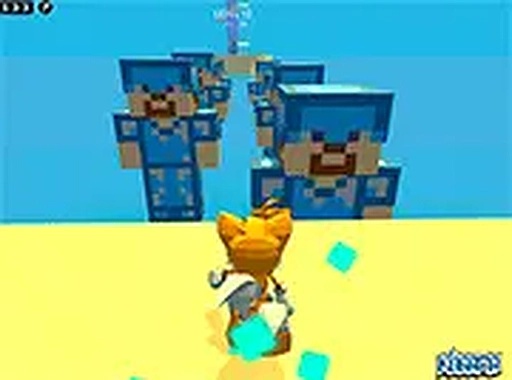
Kogama Parkour Adventure Game is an online arcade experience where players guide a character through a series of obstacle-filled courses. The core objective is to complete each level by reaching the finish point while avoiding traps and hazards. This game stands out for its blocky, colorful visual style and the promise of many progressively challenging stages. It is designed for quick, engaging sessions and is suitable for players of all ages.
How to Play
Players control a character using keyboard inputs—typically arrow keys or WASD for movement and the spacebar for jumping. The goal is to traverse platforms, leap over gaps, and dodge moving obstacles such as acid blocks and falling traps. Timing and precision are key, as a single misstep may require restarting the level. The game may offer both single-player and multiplayer modes, allowing you to practice alone or race against friends.
Game Features
This game includes a large number of levels, each with unique layouts and increasing difficulty. Multiplayer mode is available for competitive racing with friends. The controls are simple and intuitive, making it easy to pick up. The colorful, blocky graphics are family-friendly and visually appealing. The game runs smoothly on desktop browsers with no download or registration required. Progress is saved automatically, letting you continue from where you left off.
Tips for Success
Practice each level to learn the patterns of moving platforms and traps. Focus on timing your jumps carefully, especially over acid pools and gaps. Take your time to observe the level layout before making a move—patience often prevents unnecessary falls. If playing in multiplayer mode, use single-player practice to master the course first. Regular play will improve your coordination and reaction speed.
Compatibility
✅ This game supports:
- Desktop browsers (Chrome, Edge, Safari)
- Mobile browsers (Chrome on Android, Safari on iOS)
❌ Does NOT support: - Internet Explorer - Very old browser versions
👉 Try refreshing or updating your browser










Player Comments
Sign in to comment
You must be logged in before posting a review or rating.
No account? Create one
No comments yet. Be the first to comment!